
Repetitive data entry, approval chasing, ticket response, customer query answering, manual counting, and report compilation consume your team’s time and limit how fast your business can grow.
We build end-to-end tailored AI applications that automate and take these workflows off your team’s plate entirely. We have automated workflows for 16+ enterprise clients.




Most businesses are running their best people on repetitive work. Skilled finance analysts are copying invoice figures between systems. Operations managers are chasing approval emails across time zones. HR professionals are coordinating onboarding paperwork instead of focusing on talent. Customer support teams are answering the same questions 50 times. These are not role descriptions. They are symptoms of a structural problem: processes designed for a world before AI are still running on human effort, hour after hour, every working day.
The problem compounds when the business grows. Manual workflows scale with headcount. Every new client means more onboarding coordination. Every new supplier means more documentation to process. Every growth milestone means more administrative load, not less. Organizations in this position face an uncomfortable choice: hire more people to do the same low-value work, or find a fundamentally better way to operate. This is not an efficiency question. It is a strategic question about how much of your people’s capability you are leaving on the table.
We deploy fully-trained AI solutions that take over the rule-based, repetitive, high-volume work that currently consumes your team’s time. Not one step in the process. The entire sequence: intake, extraction, validation, routing, approval, and system update. Your people handle the judgment calls, the exceptions, and the work that genuinely requires human intelligence.
We have seen primarily six workflow problems that organizations across industries bring to us most frequently. Each one represents a place where skilled people are spending their time on work that AI handles better. Find the ones that match what your team is dealing with today.
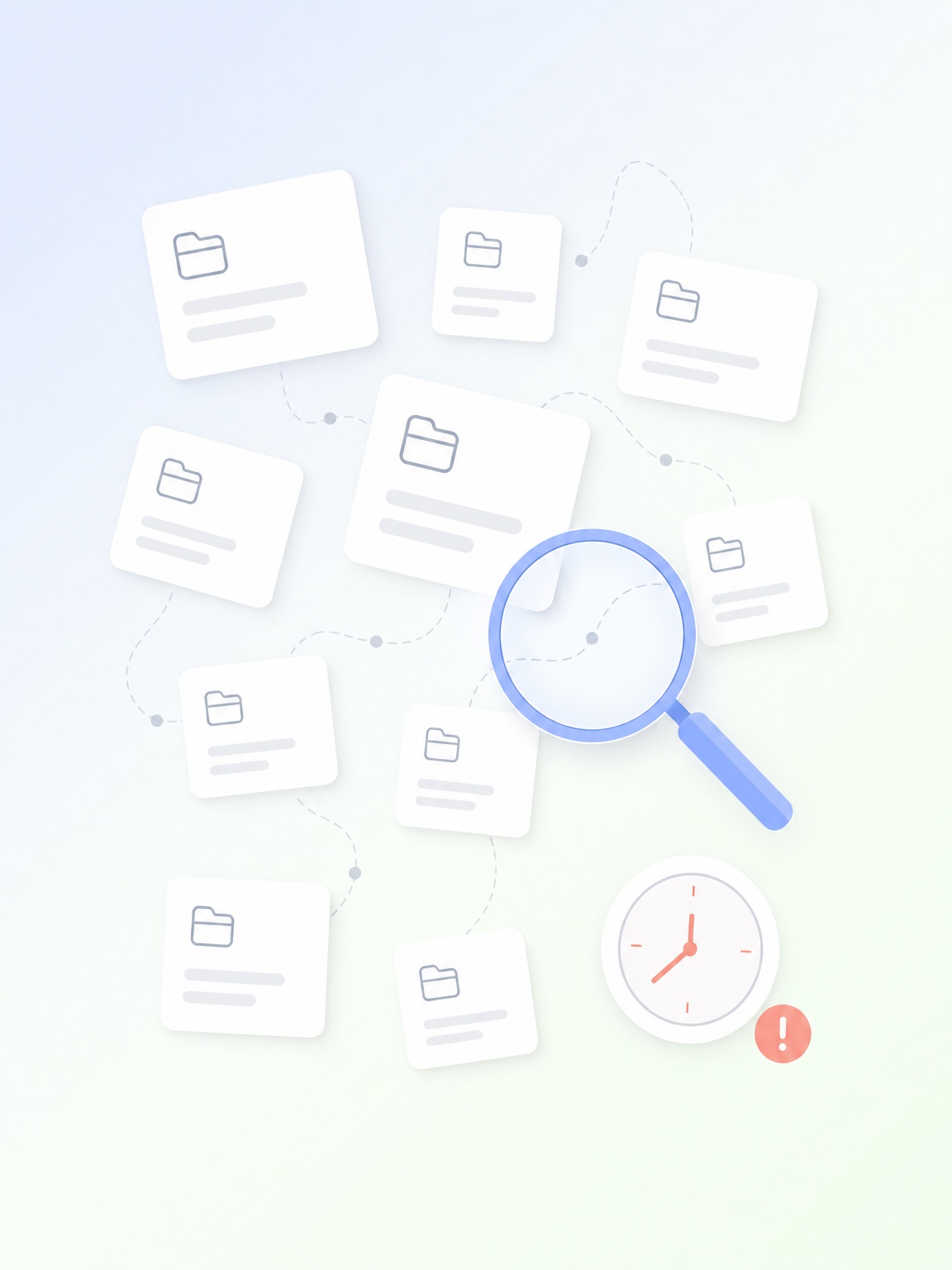
Every organization accumulates valuable knowledge over years: in contracts, policies, past project records, operational procedures, and the minds of experienced employees. The problem is not that this knowledge does not exist. The problem is that most people who need it cannot find it quickly enough to be useful.
Knowledge that exists but cannot be found is not an asset. It is a liability that erodes decision quality and organizational speed every single day.
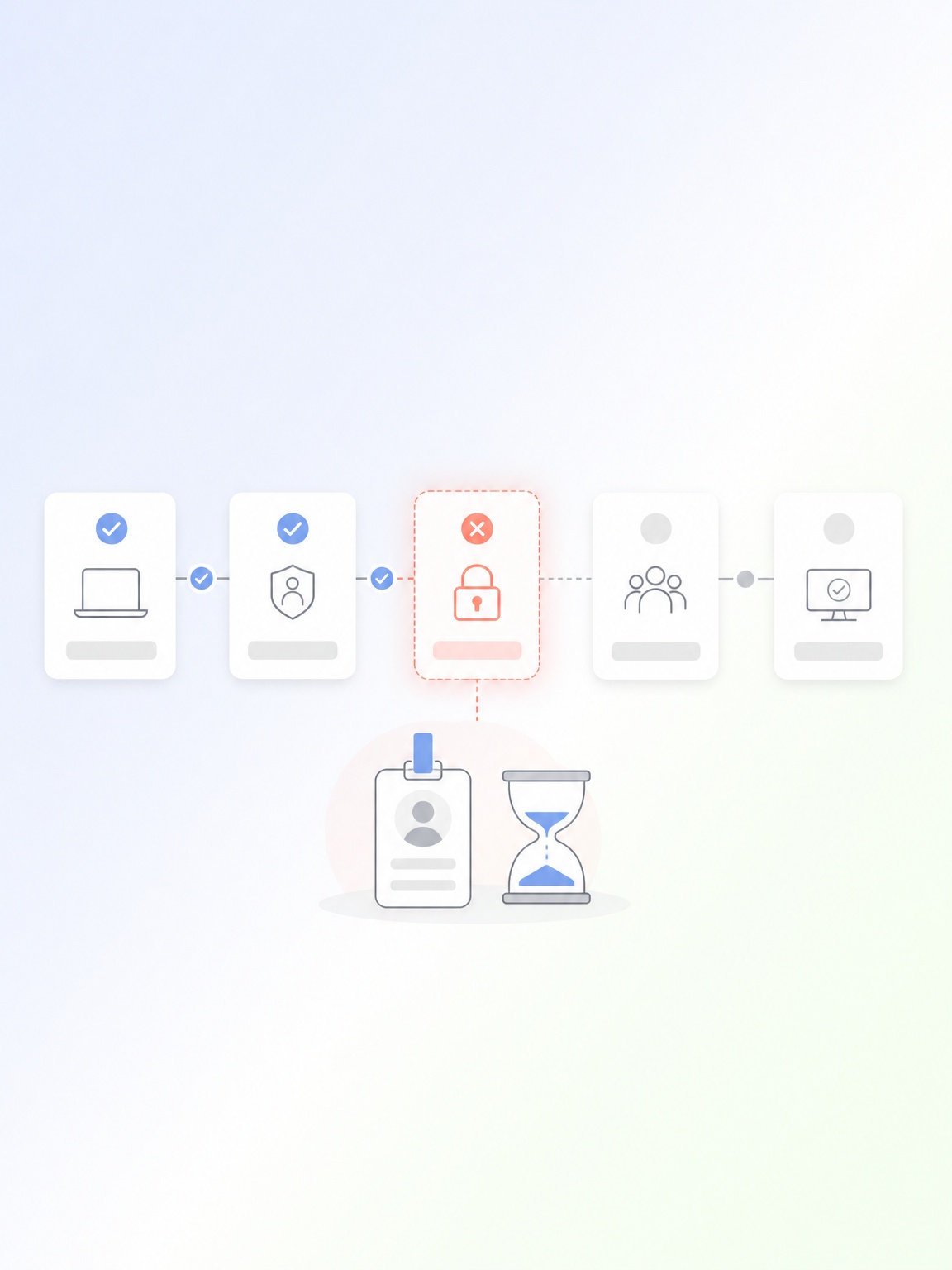
Employee onboarding has a clear beginning, a clear end, and a defined sequence of steps with defined owners. Yet in most organizations, it runs slowly and inconsistently because every step requires a manual handoff. HR emails IT for system access. IT creates a ticket that waits in a queue. Facilities receives a separate request. Payroll needs forms returned. Each step sits idle waiting for the previous one to be acknowledged.
A poor onboarding experience increases the probability of early employee departure by more than 50 percent.
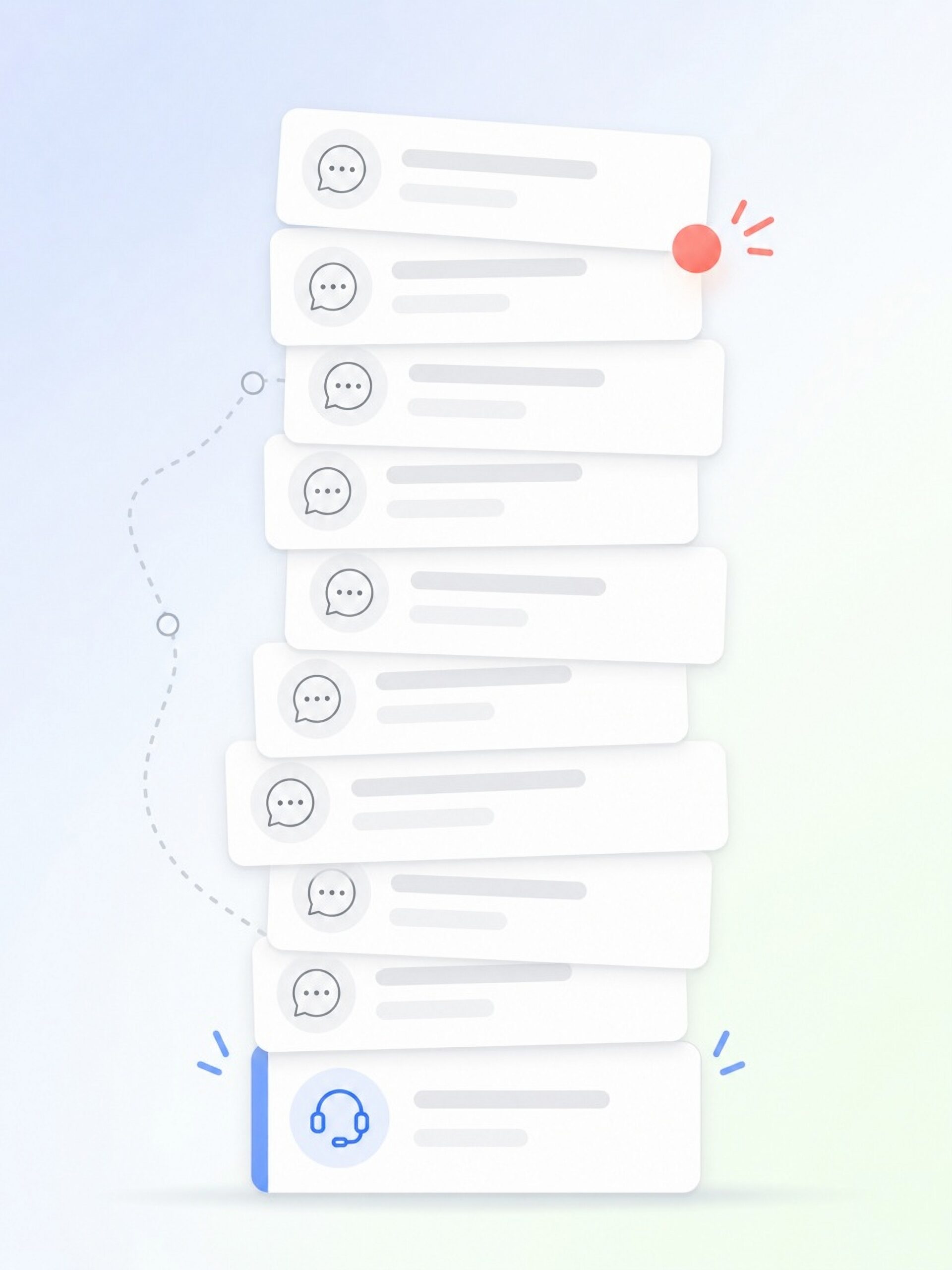
Support teams that handle hundreds of queries per week know that most of those queries are variations of the same questions asked over and over. Account status. Order tracking. Billing explanations. Policy clarifications. Standard troubleshooting steps. Every one of these is currently handled by a skilled person.
The fact is, 60-70% of support queries follow predictable, repeatable resolution paths that AI resolves without any human involvement.
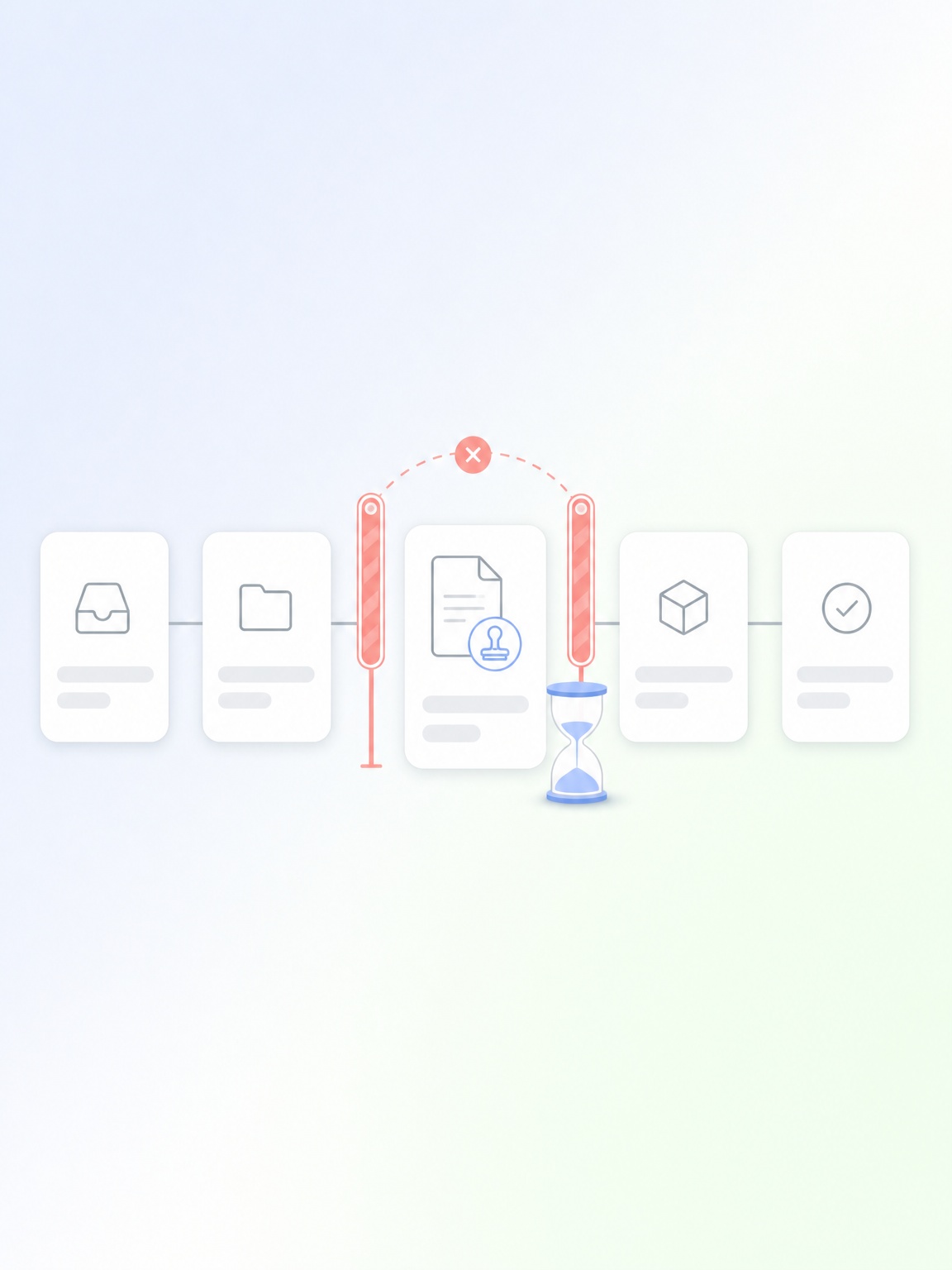
Email-based approval workflows are one of the most tolerated forms of organizational drag. Purchase orders sit waiting. Contracts stall. Expense claims queue for weeks. The approver is traveling, overloaded, or simply has the request buried in their inbox. There is no automatic escalation, no real-time visibility into where things stand, and no audit trail without manually searching email chains.
Research across procurement and finance functions shows that manual approval processes delay decisions by an average of 3 to 5 days per transaction cycle.
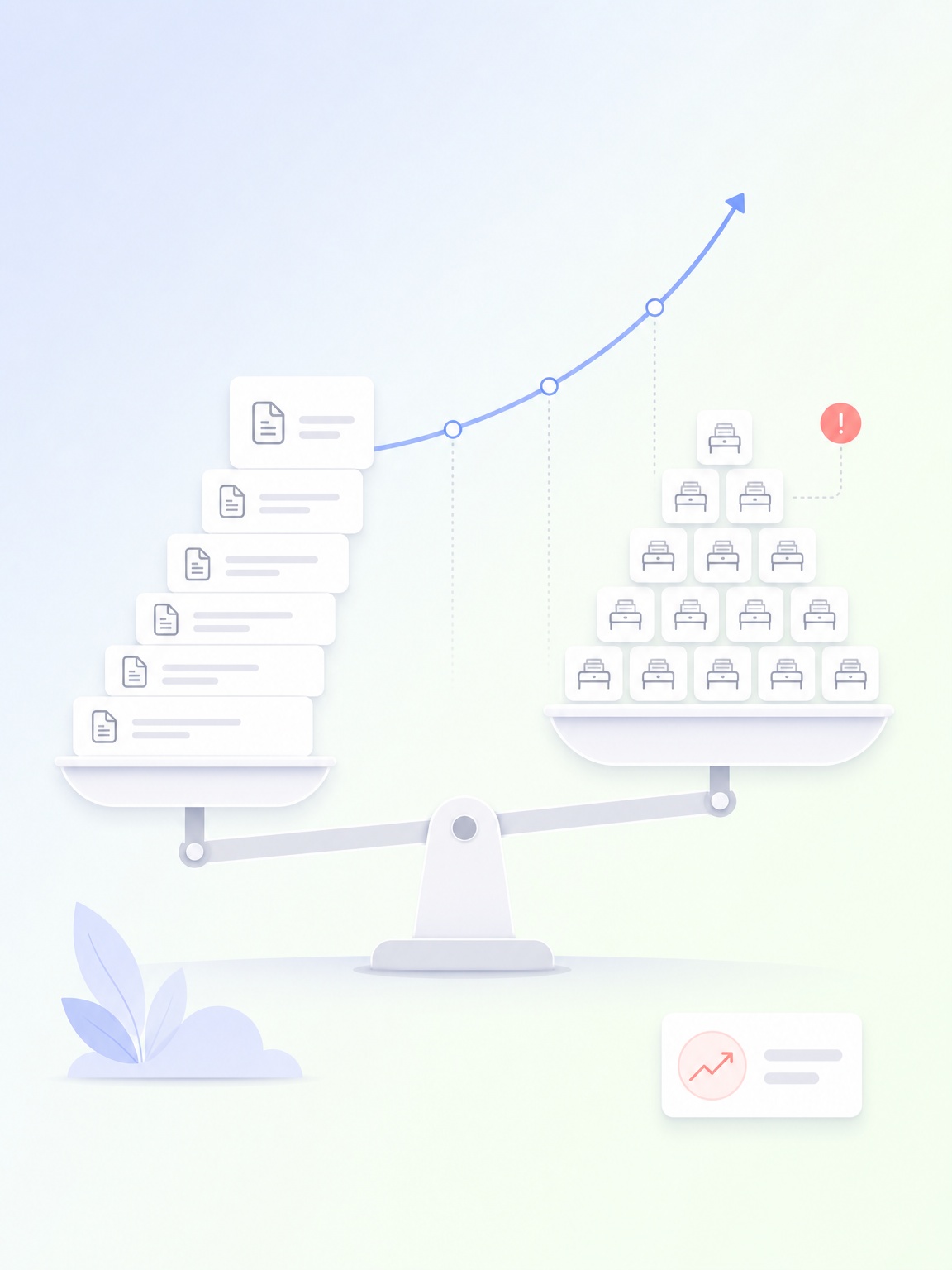
Manual workflows create a direct link between business growth and headcount growth. Every new customer means more onboarding documentation. Every new supplier means more compliance paperwork. Every increase in transaction volume means more data entry hours. Operations teams in this position are not just overwhelmed today. They are structurally unable to scale efficiently tomorrow. The cost of growth compounds not just in salaries but in the coordination overhead, training time, and error rate that comes with adding more people to manual processes.
Businesses with primarily manual back-office processes spend an estimated 20-30% of their operational headcount on tasks that AI handles completely.
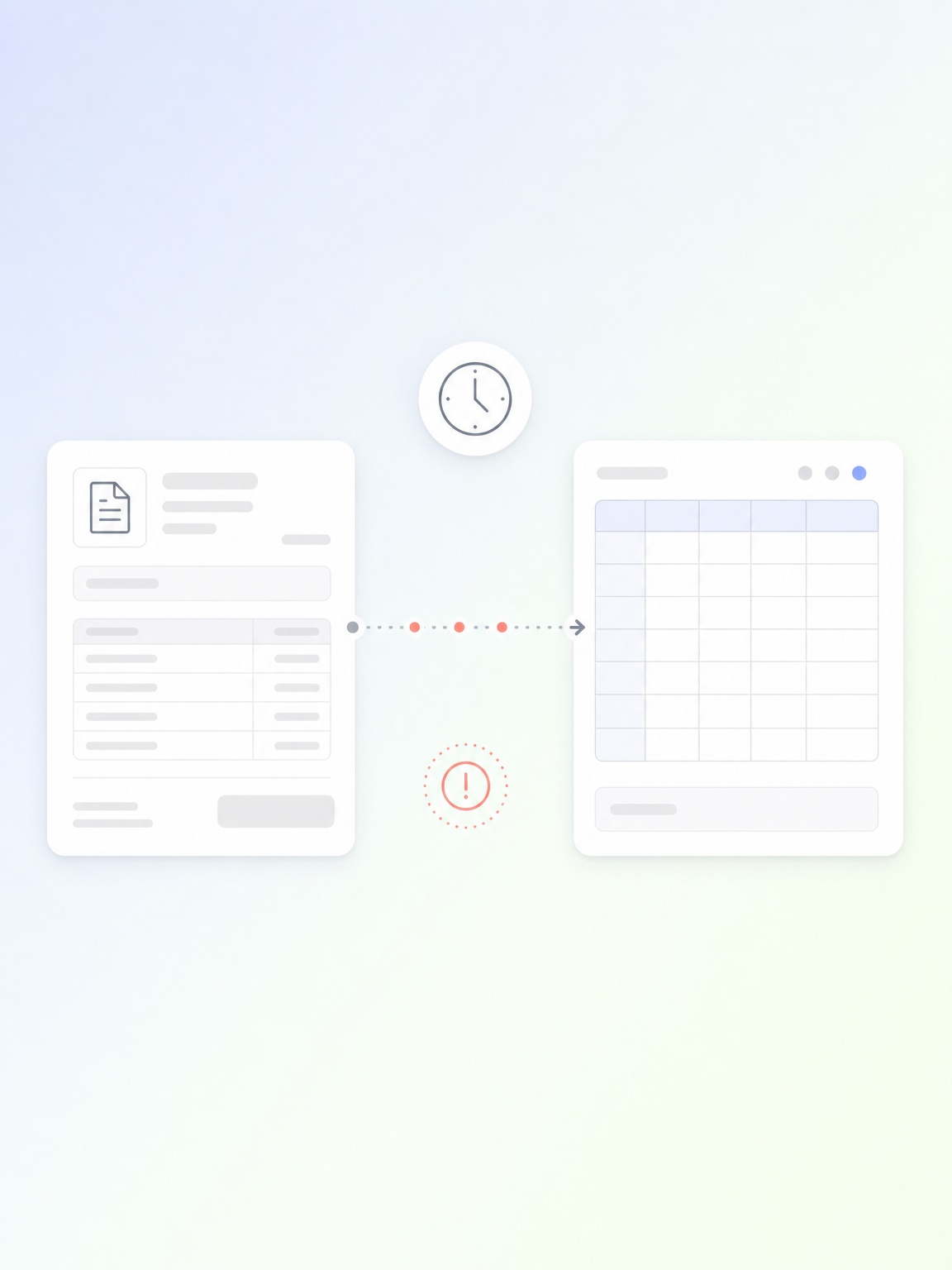
When your accounts payable team spends the majority of their day manually processing invoices, matching purchase orders, and chasing approval signatures, they are not doing finance work. They are doing data transfer work. Industry research puts the average cost of processing a single invoice manually at $12 to $15. A business processing 1,000 invoices per month spends up to $180,000 per year on that task alone.
Finance teams that automate document processing consistently recover 30-40% of their working week for analysis and strategic work.
The specific capabilities, services, or solutions of ThirdEye Data that power workflow automation across operations, finance, HR, and support functions.
End-to-end process automation with custom-trained AI agents that handle entire workflow sequences, including data intake, validation, exception handling, approval routing, and system updates. Not just a single step. The whole process.
AI applications trained on your own documents and policies that answer queries, resolve requests, and handle routine communication tasks, minimum/without human involvement. Built for your specific business context.
Document AI, intelligent search, and knowledge automation applications that extract, structure, and surface the right information from your internal documents and systems at the moment people need it.
AI vision systems that automate physical-world inputs into digital workflows: reading documents, counting inventory, and monitoring process compliance using your existing camera infrastructure.
Try these AI systems live before committing to anything. See exactly what each AI automation solution does in practice.

Watch AI agents process transactions, match records, flag exceptions, and update financial systems automatically end to end.

AI vision system that counts products/inventory in real time, ensuring dispatch accuracy, saving time, and reducing losses.

Multi-modal AI customer support agent that answers queries, analyzes data, generates reports, and automates ticket resolutions.

An agentic AI-based IDP platform that extracts, understands, and activates data from any document. Automating manual workflows and saving time.
Helped 35+ enterprises to automate manual workflows. Explore documented case studies below.
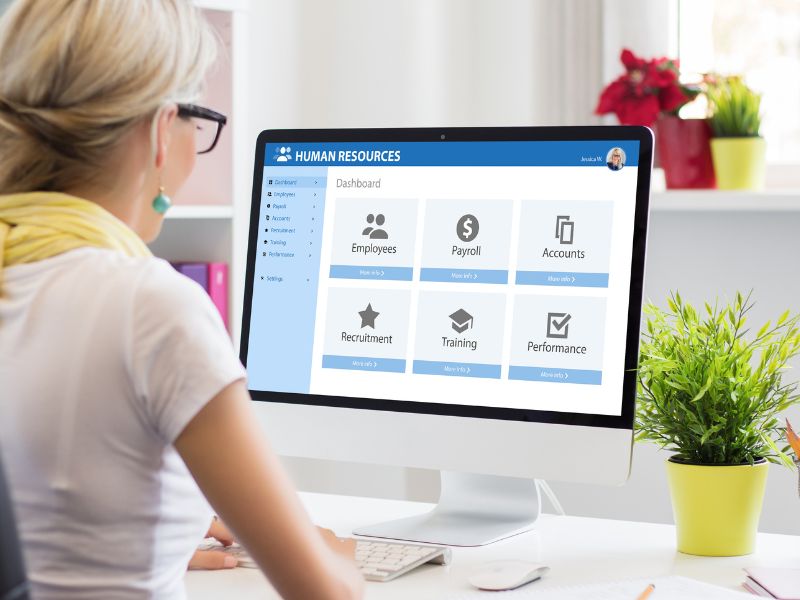
Built a Copilot-powered onboarding system that automatically coordinates IT access, equipment, documentation, and training the moment a new hire record is created. HR team is freed from coordination entirely.

Built a GenAI-based platform that eliminated manual document review for an audit firm, enabling automatic extraction and search across thousands of financial documents. Analysts redirected from data processing to actual analysis.

Deployed a multi-agent AI system for a leading marketing company that automated loyalty program management workflows and customer query resolution, significantly reducing manual handling and improving response speed.
We have automated workflows across these sectors. Find your industry and explore what is specifically possible.

Manufacturing operations where supervisors spend shifts on paperwork instead of production, and where growth in product lines creates proportional growth in documentation and coordination burden. Our manufacturing clients have automated 70-80% of their routine operational and administrative workflows.
Marketing and AdTech organizations where account teams spend hours on campaign reporting, performance data reconciliation, and client deliverable preparation instead of strategy and creative work. We helped our clients to automate these reporting and data workflows, returning significant analyst time to client-facing work.
IT organizations where service desk agents handle high volumes of repetitive tickets, where knowledge is fragmented across wikis and email chains, and where every system change requires manual documentation updates. Our clients automate ticket routing, knowledge access, and operational reporting.

Financial organizations where skilled analysts and advisors spend 30-40% percent of their time on document processing, compliance reporting, and data entry rather than client work and decision-making. Our BFSI clients automate these workflows and redeploy that capacity to higher-value activities.
Reduction in manual processing hours in targeted workflows
Enterprises with fully automated workflows deployed by our team.
Average return on AI investment reported within the first year
Most software tools assist humans with individual tasks. Our AI-based workflow automation releases the human from the routine steps entirely. A tool might make it easier to enter an invoice. Automation means the invoice is never manually entered at all. Our Agentic AI system handles the full sequence from document arrival through system update without a human touching the routine cases. The human is involved only for exceptions that require genuine judgment. That distinction is what produces 70-85% reductions in processing time rather than incremental productivity improvements.
Most automation initiatives fail for one of three reasons: they automate a broken process rather than redesign it, they deploy rigid template-based tools that break when real-world variations appear, or they measure the wrong outcomes and cannot show clear value. ThirdEye starts with a workflow discovery audit that maps the actual process as it runs today, not as it is documented. We use intent-based AI that handles format variations and edge cases without breaking. And we agree on specific baseline metrics before deployment, so results are measurable and unambiguous from day one.
Resistance to automation usually comes from fear of job loss, not from opposition to the idea of working smarter. In our experience, the teams whose workflows are automated are almost always the strongest advocates once they see what they get back. Finance analysts who stop spending their mornings on data entry and start contributing to actual financial analysis are not resistant. They are relieved. We recommend transparent communication from leadership before deployment that focuses on what the team will gain, not what AI will take over.
The best first candidates are workflows that are high volume, rule-based, repetitive, document-driven, and currently consuming significant team time. Invoice processing, approval routing, data reconciliation, report compilation, and support query handling all fit this profile well.
We identify the specific highest-value candidate for your organization during the initial discovery audit. The right starting point varies by business, and getting it right is what makes the first deployment a compelling proof point rather than a disappointing pilot.
Every AI automation deployment is built with a structured exception workflow. When the AI system encounters a transaction it cannot process with sufficient confidence, it classifies the exception, gathers all relevant context, and routes it to a human reviewer with everything needed to make a decision pre-populated. The human resolves it with one action. That resolution is fed back into the model.
Exception volumes decrease consistently over the first 90 days as the model learns from your data. After six months, most deployments handle over 95% of volume automatically.
Yes, we build integration connectors to your existing systems as part of every deployment. We connect to ERP platforms, accounting systems, WMS, CRM, HR tools, and any other platform your workflow touches. We also connect to legacy and custom-built internal tools. The goal is a single automated workflow running end-to-end across all systems with no manual handoffs between them. You do not need to replace any existing system.
The first automated workflow is typically live in 8 to 12 weeks. From go-live, the impact on your team is immediate: the transactions that used to require manual handling are processed automatically from the first day. Teams typically notice the difference in their daily workload within the first two weeks of a live deployment. The strategic shift, where people redirect their freed time to higher-value work, takes another 4 to 6 weeks as new working patterns are established. Within 120 days, the operational change is clearly visible and measurable.
Across all our automation deployments, clients see 2-3X return on investment within the first year. ROI is calculated on metrics agreed before deployment: hours saved per workflow, cost per transaction before and after, error rate reduction, and team time redirected to higher-value work.
We establish the baseline with you before work begins, so savings are calculated against numbers everyone has agreed on. There is no ambiguity about what the automation achieved versus what it was expected to achieve.
In most of our deployments, the time freed by automation is redeployed, not eliminated. Finance analysts move to margin analysis and business partnering. Support staff moves to complex client engagement. Operations coordinators move to planning and exception management. Whether you reduce headcount or reinvest the capacity into higher-value activities is your decision. Our role is to free the capacity and demonstrate clearly how much of it there is. What you do with it is yours to decide.
ThirdEye Data’s every automation deployment includes comprehensive audit logging built in from day one. Every transaction generates a complete record: what was received, what was extracted, what rules were applied, what decision was made, who approved it if relevant, and the outcome, all with timestamps. This record is stored in a structured, queryable format.
Compliance teams can pull documentation for any transaction in minutes rather than searching email threads and spreadsheets. Automation consistently improves audit readiness compared to manual processes.
Yes, and that is exactly how every engagement starts. We identify your single highest-value automation opportunity, deploy it, prove the ROI, and then you decide whether to expand.
There is no upfront commitment to a broader programme. This approach reduces your risk, creates a clear proof point for leadership and board stakeholders, and builds integration foundations that make subsequent deployments faster and less expensive. Most clients expand to three or more automated workflows within six months because the first deployment makes the case compelling.
We would like to share a practical guideline: if your team processes more than 200 documents per month of any type, handles more than 500 customer queries per month, or spends more than two full working days per week on a specific repetitive process, the ROI from automation is strong.
We have successfully deployed for mid-size businesses with 100 employees and for enterprises with thousands. The pilot model means you test the value on a single workflow before committing to anything broader.
Training happens during the deployment phase using your actual historical documents and transaction records. For document processing, we use a representative sample of your actual document types, including format variations from different suppliers or sources. For approval routing, we map your existing authority matrix and business rules. For query handling, we train on your actual support and communication history.
Models trained on your data perform significantly better for your specific workflows than pre-trained generic tools. This is why accuracy is consistently improved throughout the process.
Ongoing support and model maintenance are part of the managed service. This covers performance monitoring, model retraining as your document types or processes evolve, integration updates when connected systems change, accuracy tuning, and technical support. We do not deploy and disappear. Sustained performance is part of what clients pay for.
We monitor the system proactively and flag issues before they affect your operations. Most clients also engage us for additional workflow deployments once the first one is running well.
Yes. Our AI solution supports multilingual processing for businesses operating across multiple regions. Documents in different languages are handled within the same workflow without language-specific configurations for each. Language support is extended to additional languages during the training phase based on your actual document and communication volumes.
This is particularly relevant for businesses managing international supplier networks, multi-region support operations, or global compliance requirements.
We establish the baseline measurement with you before deployment. For each automated workflow, we agree on the specific metrics: hours spent per week on the process, cost per transaction, error rate, and cycle time from initiation to completion. After deployment, the live performance dashboard shows these metrics in real time against the baseline. Monthly reports document the cumulative hours returned to your team and the cost per transaction achieved. Leadership has a clear, reportable view of exactly what automation has delivered and how team capacity has shifted.
From a specific use case to a full-scale modernization, share your requirements, and our engineers will take it from there. We typically respond within 24 hours with a transparent, detailed assessment of what's possible for your business.

We are a full-stack AI development company that helps enterprises make better decisions, reduce costs, and operate more efficiently.






333 West San Carlos Street, San Jose, CA 95110 USA
6000 Rome Blvd, Brossard, Quebec J4Y 0B6 Canada
Technopolis, Kolkata, India
CTIE, Hubli, India
We are a full-stack AI development company that helps enterprises make better decisions, reduce costs, and operate more efficiently.
333 West San Carlos Street, San Jose, CA 95110 USA
India: Kolkata, WB & Hubli, KA
Canada: Brossard, Quebec